

Auto-Tuning
Reads CPU, chassis and thermals, then applies the cr1mix power-plan, parking and undervolt settings.
0.1v out now
Windows, Reimagined.
Official links
ToolBox
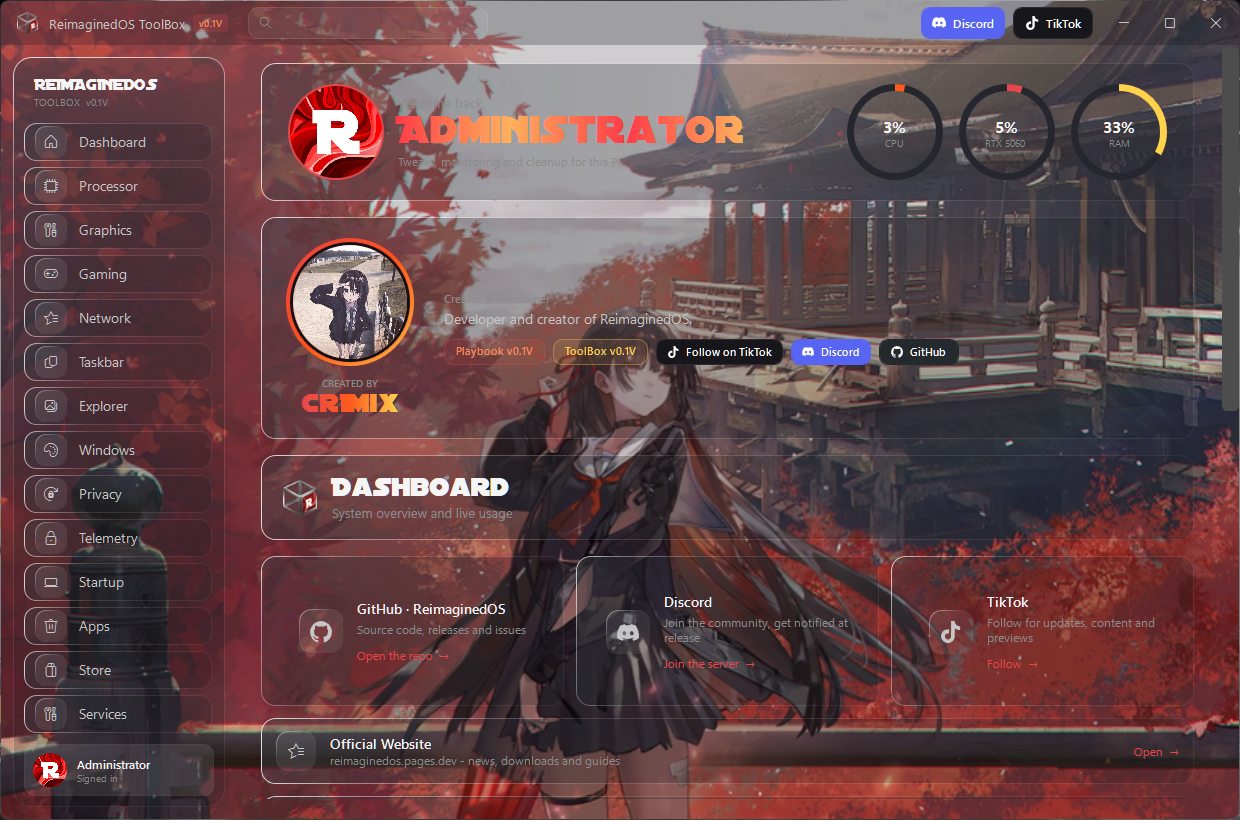
Every tweak as a toggle. Apply or revert in one click.
ToolBox is not in 0.1V - use the PostInstall toggles instead, it returns next release.
Why ReimaginedOS
A Windows performance playbook by cr1mix, plus its own ToolBox.
Reads CPU, chassis and thermals, then applies the cr1mix power-plan, parking and undervolt settings.
Desktop and Laptop driver profiles, picked automatically and applied silently.
Timer, SleepCheck and ToolBox — custom code, GPLv3, shipped inside.
Vs the rest
Measured against how most playbooks work: fixed presets, one OS in mind, no way back.
Wi-Fi, Bluetooth, printing, Defender, Store, Xbox - never touched unless you pick it.
Separate desktop and laptop power plans, battery-aware tools, hibernate kept on mobile.
ThrottleStop on Intel, RyzenAdj curves on AMD, each with safeguards.
Tested on all the builds it supports, checked again at apply time.
Snapshots, restore point and per-toggle PostInstall scripts. ToolBox returns next release.
Timer and SleepCheck are custom GPLv3 code, source shipped inside.
Windows, Reimagined.
No forced setup. No mystery switches. Your picks, applied clean.
How to apply
Try it right here - open AME, grab the file, drop it in.
Downloads
Got both files? Open AME Wizard first - double-click it.
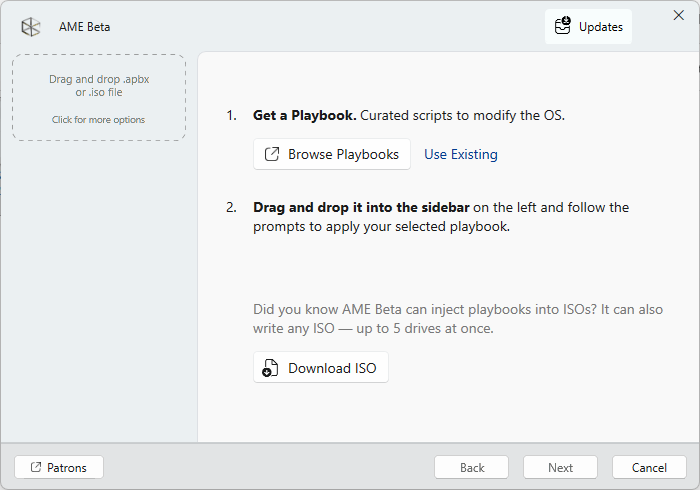
Drop the .apbx file on this window.
Dropped. After this, AME Wizard tells you the steps and asks your choices. Press Next, pick what stays, apply, reboot - done.
Questions
Yes. The playbook, the ToolBox and every bundled tool are free and open source under GPLv3.
Yes. The playbook detects your build and applies what fits it. Some options only make sense on one of them and say so.
Yes. Service snapshots, registry backups and a pre-apply restore point are created automatically, and almost every tweak has an on/off toggle in PostInstall.
No - not yet. Extreme is still unstable and can break things like Wi-Fi. Use Balanced until it is fixed in the next build.
Through the AME Wizard: load the playbook, answer a few questions, apply. How it works.
0.1V out now
Version 0.1V is out. Grab the pack, run it, report what breaks.