Auto-Tuning
Matched power, parking and undervolt for your exact CPU, chassis and thermals.
Under the hood
Windows, Reimagined. Written by cr1mix.
Matched power, parking and undervolt for your exact CPU, chassis and thermals.
Desktop and Laptop driver profiles, picked automatically, applied silently.
Timer, SleepCheck and ToolBox — custom code, GPLv3, shipped inside.
Auto-Tuning
At apply time the playbook reads CPU vendor and generation, chassis, thermals and power state — then applies matched power plans, core parking, idle states and undervolting where the silicon allows it. On battery it holds back.
NVIDIA profiles
Two driver profiles applied silently by chassis. Same low-latency core, different where heat and battery matter.
| Setting | Desktop | Laptop |
|---|---|---|
| Power management | Maximum performance | Driver default |
| Low Latency Mode | Ultra | On |
| Vertical Sync | Forced off | App default |
| Pre-rendered frames | 1 | 1 |
| Shader Cache | On | On |
| Texture filtering | High performance | High performance |
| AA / FXAA / Ansel | Off, app decides | Off, app decides |
Under the hood
No magic numbers without a reason.
Custom tools
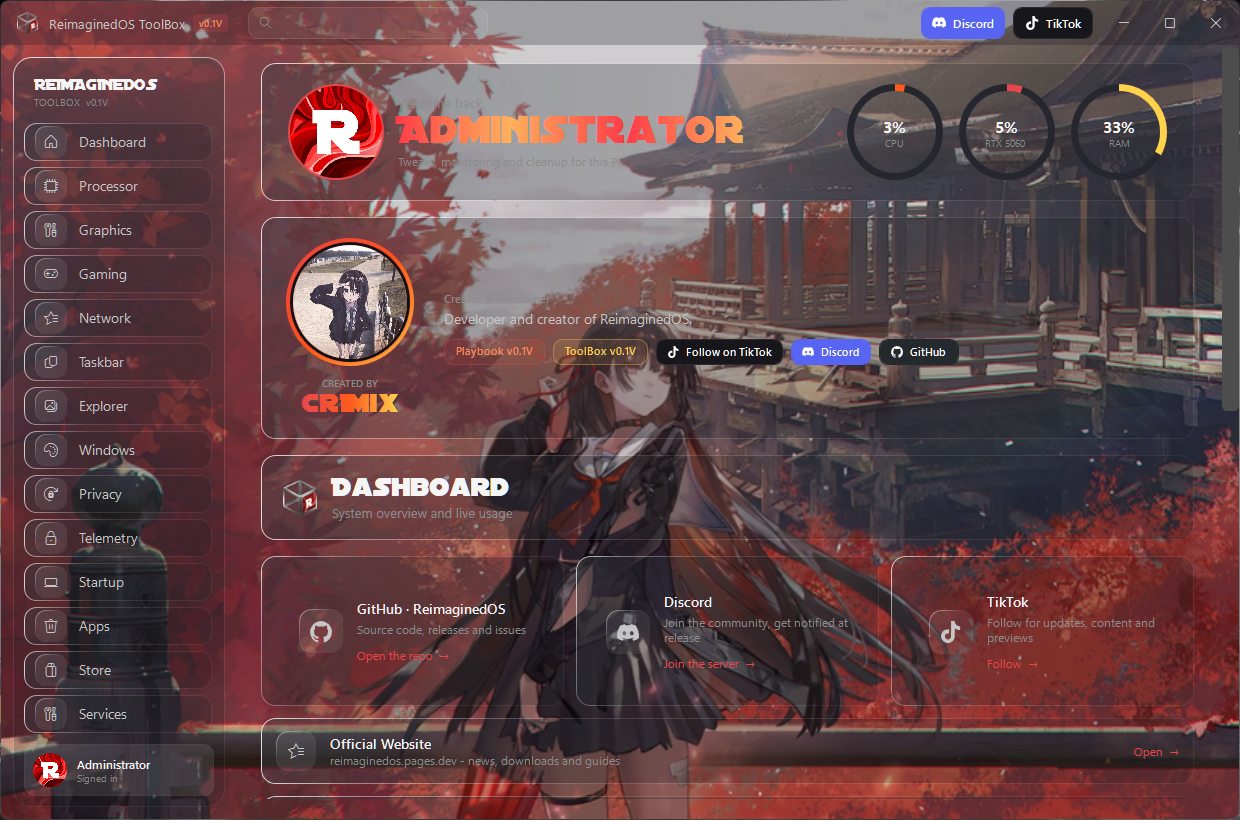
Every tool below is custom code by cr1mix, GPLv3, shipped inside the playbook. The ToolBox source lives on GitHub.
Heads up: the ToolBox is not in the 0.1V release - PostInstall toggles cover it, the ToolBox returns next release.